
10-Minute, Fully Automated Setup
Every server is provisioned with a complete, production-ready tech stack in minutes, so you can start hosting straight away.

Apache Stack
A complete and optimised Apache tech stack with PHP-FPM, Git, Composer, Redis and all other required configuration on the server to make it hosting ready.

Nginx Stack
A complete and optimised Nginx tech stack with PHP-FPM, Git, Composer, Redis and all other required configuration on the server to make it hosting ready.

OLS Stack
A fully optimised tech stack specifically for WordPress sites. It is powered by OpenLiteSpeed with LSPHP and all other required configurations on the server.
MERN Stack
MERN stack is now available in ServerKade that allows you to deploy Node.js based sites on your servers without painfully setting up your server manually.
Hosting Management Features
Everything you need to deploy, run and maintain modern web applications on your own servers.
1-Click Deployments
ServerKade provides auto-installer for more than 15 applications including WordPress, N8N, Mautic, PHPMyAdmin and other popular self-hosted apps.
1-Click SSL Certificates
Install Free Let's Encrypt SSL Certificates on your sites with one-click using ServerKade control panel. SSL Renewals are automatic.
Deploy from git
Deploy your projects directly from git repositories with custom deployment scripts. You can integrate with Github, Gitlab and BitBucket.
Push to Deploy
Push-to-deploy functionality helps you automatically deploy changes in different environments when changes are pushed in git.
Custom SSL Certificates
Install Custom SSL certificates on your sites if you don't want to use free SSL certificates or need custom SSL certificate.
1-Click Staging Area
Create one-click staging area for your projects for testing or demo purposes. ServerKade provides temporary domains for temporary sites.
Enable/Disable Applications
Quickly enable and disable sites or projects on your servers with one-click to temporary restrict access to your projects.
Powerful file manager
ServerKade provides powerful file manager with code editor that allows you to create, edit, delete files along with compressed file operations.
Multiple PHP Versions
You can host multiple projects on a single server with different PHP versions. Installed, configured and managed by ServerKade.
Per Site PHP Settings
Manage different PHP settings and configuration for each application/site individually without breaking a sweat.
Node.js Support
one-click Install and configure Node.js, NPM and other required tools to host Node.js based sites on your servers.
Automatic Site Cloning
Automatic site cloning feature allows you to clone your existing sites on same or different server with one-click.
Custom Webroot
You can set custom webroot for your applications to adjust the server configuration to support your application's directory structure.
Supervisord Management
Create and manage processes on your servers with supervisord management. Especially useful to processes queues in Laravel and other frameworks.
Temporary Sites
Create temporary sites for testing or demo purposes without the need of domain name.
WordPress Auto-login
Log in to your WordPress user accounts with Magic login without using credentials every time.
1-Click Maintenance Mode
Put your WordPress sites in maintenance mode with one click to make changes to the site.
Advanced Log Viewer
An advance log viewer with search, filter and highlight capabilities to help you troubleshoot issues quickly.
Cloudflare Integration
Integrate your application with Cloudflare and manage vital cloudflare settings from ServerKade panel itself.
AI Bot Blocker
Automatically detect and block harmful AI bots and scrapers to protect your applications, improve performance, and save server resources.
Host any Static, PHP or Node.js Site
ServerKade is a generic hosting control panel that allows you to host any static, PHP or Node.js based application on your servers with ease.











Server Management Features
Take full control of your servers, services, users and databases from a single modern control panel.
Database Management
ServerKade provides fundamentally secure database management. Manage multiple databases and database users from control panel.
System User Management
System user management in ServerKade allows you to manage multiple system users as owners of applications hosted on server.
Remote Database Access
ServerKade allows you to enable remote database access for your databases with automatic firewall rule management.
Automatic Disk Cleaner
Automatic disk cleaner in ServerKade allows you to clean temporary files and log files to free up space on your server.
Cronjob Management
ServerKade allows you to easily manage cronjobs on your servers with pre-defined schedules and custom schedules.
Advanced Log Viewer
Advanced log viewer in ServerKade allows you to see server level log files with search and filter functionality to easily debug issues.
Ioncube Support
ServerKade allows you to install Ioncube on your servers with one-click. You will be able to host applications that require Ioncube.
Redis Support
ServerKade provides Redis installation and configuration for all tech stacks. You can also manage Redis config and credentials.
Manage PHP-CLI Version
PHP-CLI allows you to execute PHP through CLI. ServerKade allows you to manage the PHP version you want to run on CLI.
Service Management
Service management in ServerKade provides CPU and RAM usage for services running on the server along with stop, start, and restart options.
Enable/Disable Root Login
Root user on the server is the super user with all access to server. With ServerKade, You can disable or enable login for root user.
Manage SSH Port
It is a good practice to not have SSH service running on default 22 Port. ServerKade allows you to set and change SSH port on your servers.
A Complete Tech Stack
At server level, ServerKade lets you manage every aspect of your servers. Our tech stacks support all the important services you need.






Backups & Restore
Automated database, file system and full application backups, with one-click restore to the same or a different server.
Database Backups
ServerKade allows you to create backups of your databases and store it in various cloud storage services.
File System Backups
File system backups in ServerKade allows you to create backups of your application files.
Full Application Backups
Full application backups in ServerKade allows you to create backups of Application files as well as application database.
1-Click Restore
You can restore Database backups, File backups and full application backups with one-click on same as well as different servers.
Various Storage Options
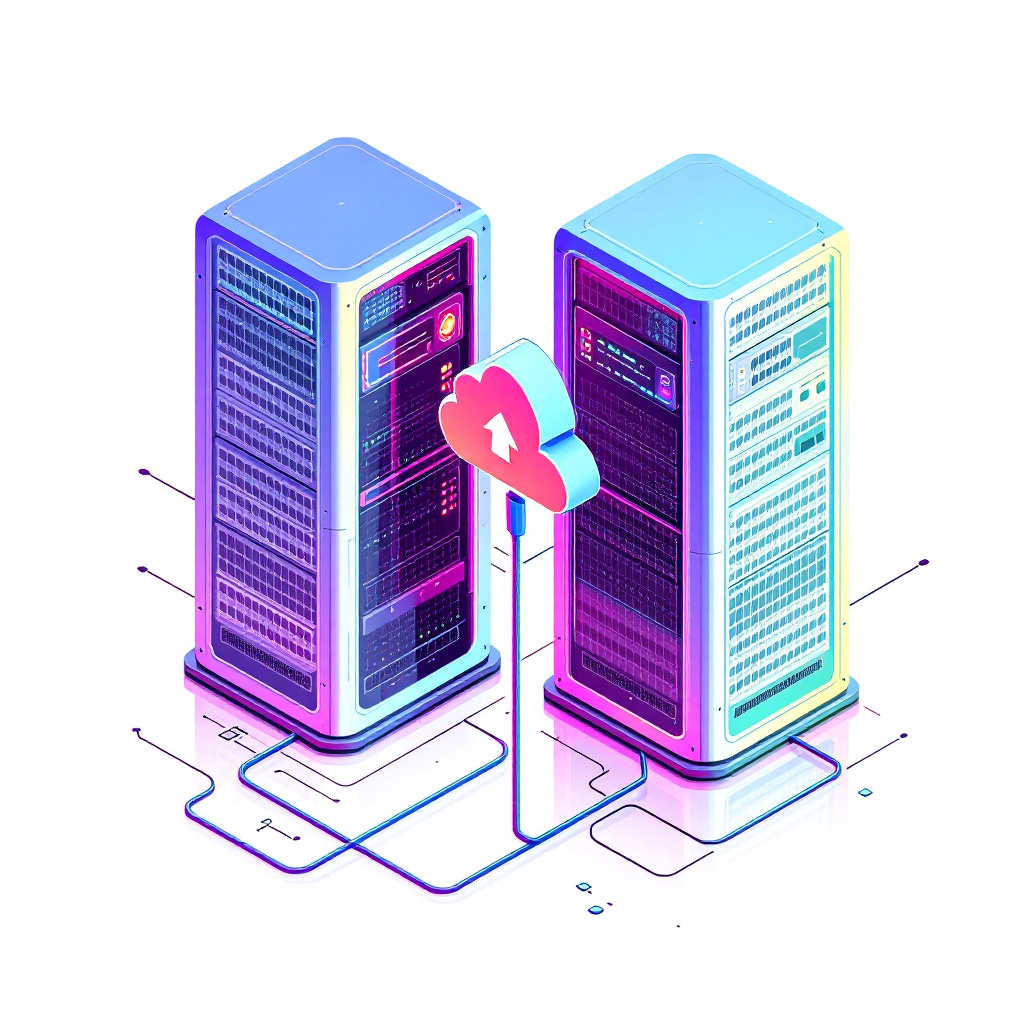
Integrate object storage services with ServerKade to store backups of your applications and data on your choice of provider.






Security Features
Keep your servers and applications protected with firewalls, isolation, automatic updates and multi-factor authentication.
UFW Firewall Management
UFW is a simple yet powerful firewall built-in with Ubuntu servers. ServerKade allows you to manage firewall rules directly from control panel.
Isolated Environments
By default, ServerKade provides isolated environments for your applications. It prevents infections from spreading to other applications.
Manage SSH Credentials
Manage SSH and SFTP credentials as well as SSH access for system users on your servers. It allows you to provide controlled access to files.
Automatic Security Updates
Automatic security updates on your servers keeps your servers secure from known vulnerabilities by patching them as updates are available.
Fail2Ban Management
Automatically block irritating IP Addresses using Fail2ban settings.
IP Whitelisting
Protect your account with IP white-listing and Two-factor authentication.
Basic Authentication
Enable basic authentication to quickly limit access to the site with username and password.
Two Factor Authentication
Protect your account with IP white-listing and Two-factor authentication.
8G Firewall
Toggle 8G Firewall (WAF) for each application hosted via ServerKade.
Monitoring Features
Stay on top of server health with real-time monitoring, alerts and notification integrations.
Server Health Monitoring
Server Health Monitor in ServerKade monitors CPU usage, RAM usage and Disk usage in percentage.
Load Average Monitoring
Load average monitor in ServerKade allows you to monitor 5 minutes and 15 minutes load average on your servers.
Query Monitoring
Query monitoring in ServerKade provides information about all the different types of queries being executed on database server.
Log Monitoring Suite
Log Monitoring suite is a part of Master plan that provides comprehensive log analysis and traffic/request data visualisation.
Server Health Alerts
Server Health Alerts allows you to set thresholds for CPU, RAM, Load average and disk usage to receive notifications.
Notification Integrations
You can integrate Telegram, Discord and Slack to receive health alert notifications..
Teams & Sharing Features
Collaborate with your team and clients using organisations, granular roles, sharing and white-label panels.
Team Management
Team Management features in ServerKade allows you to create and manage multiple organisations/teams in your account.
Roles and Permissions
Roles and permissions in ServerKade enables you to provide controlled access to team members in your team.
Temporary Server Sharing
You can also share a single server temporarily with limited or all permissions with other ServerKade users.
Control Panel Sharing
Control panel sharing allows you to share your servers with URL, username and password. You can also limit apps, databases and features.
White-Label Panels
You can white-label the control panels for your servers and provide access to end users with your own branding and color scheme.
Support & Troubleshoot
Get unstuck fast with one-click diagnosis, expert support, an active community and thorough documentation.
One-Click Diagnosis
ServerKade provides a very unique one-click server troubleshooting tool that you can use to find issues in various parts of your servers.
Expert Support
ServerKade support team consists of Linux system experts that enables us to provide you quick and clear resolution to issues.
Community Support
ServerKade has an active Facebook community of 1800 PHP and server management experts that helps you get solutions for common problems.
Managed Services Pack
Managed Services Pack is an Add-on that enables you to get 24/7 quick support from dedicated support team on direct slack channel.
Product Documentation
Access the product documentation to learn how to use different features provided by ServerKade efficiently.
API Documentation
Automate Server management tasks with ServerKade API and create your own applications with ServerKade integrations.
Deploy your first application in 10 minutes, risk-free
Connect your server, deploy your app and let ServerKade handle the rest.
Start Free